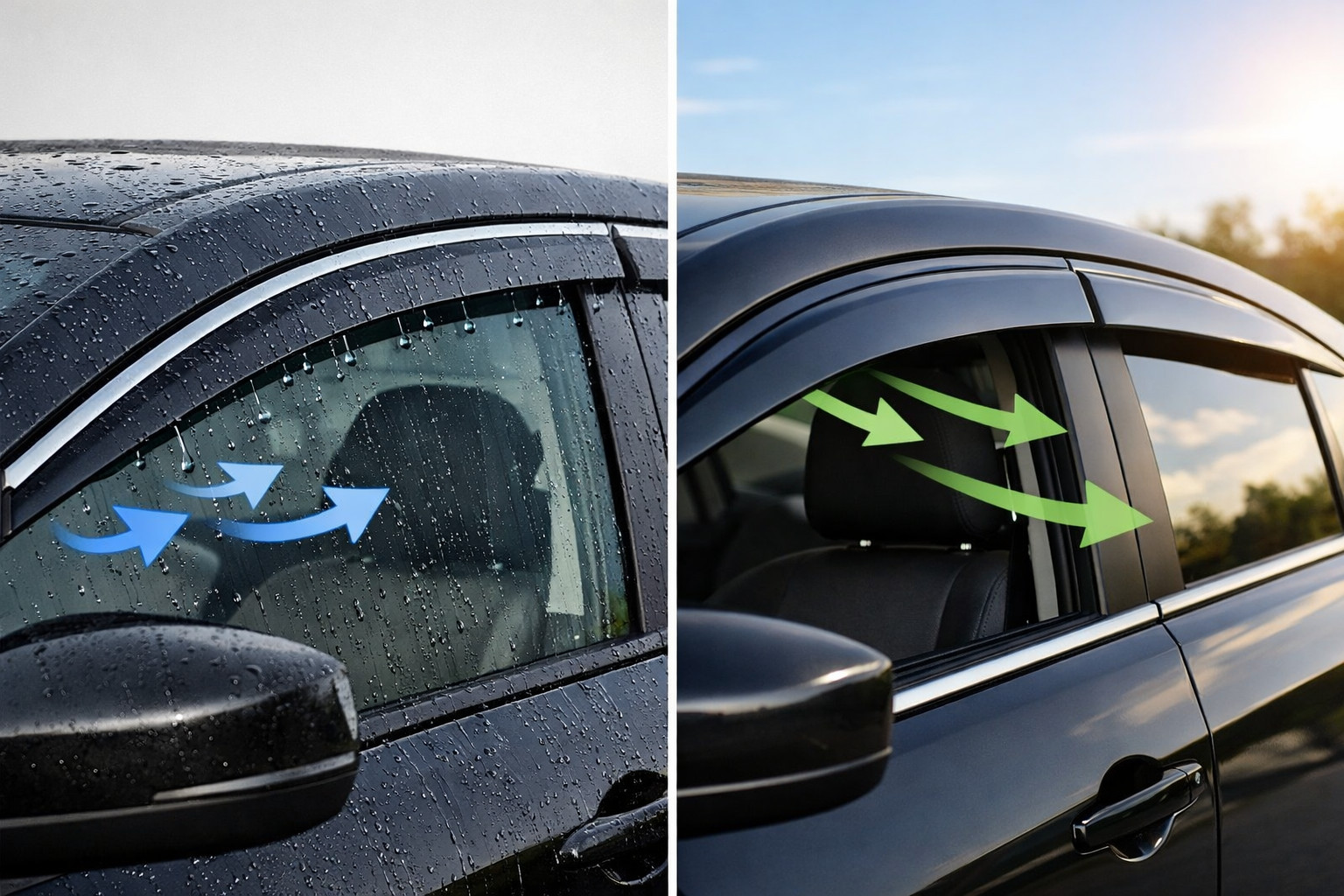
The battery is a key component of any electric car, because its condition directly affects driving range, operating stability, and the vehicle’s market value. Over time, the battery gradually loses capacity, so regular checks help spot deviations early. Along with the technical condition, many owners also care about the car’s appearance, choosing tuning accessories that highlight the vehicle’s style.
Main ways to check the battery
- Via the car menu or service functions. Some models let you assess battery condition through the built-in menu, a mobile app, or service diagnostics, but an exact figure isn’t always available. For example, on supported Tesla vehicles, a battery health check is available via Controls → Service → Battery Health; the test is usually performed while connected to AC charging.
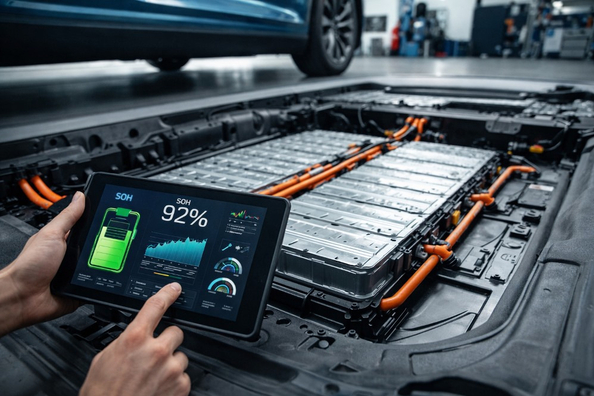
- OBD diagnostics. One of the most convenient methods. With an OBD2 adapter and apps such as Car Scanner or LeafSpy, you can view SOH (State of Health) — the battery’s remaining capacity. This metric should be evaluated with the car’s age, mileage, and model in mind.
- Checking real-world range. After a full charge, it’s worth driving a certain distance and assessing actual energy consumption. Keep in mind that temperature, speed, terrain, and climate system use all affect the result.
What to pay attention to
- voltage balance between cells;
- number of fast DC charging sessions;
- battery temperature under load.
Before buying a used electric car, it’s advisable to run a full diagnostic. To extend battery life, avoid frequent charging to 100%, don’t allow prolonged deep discharge, and use the factory thermal preconditioning if it’s available.